
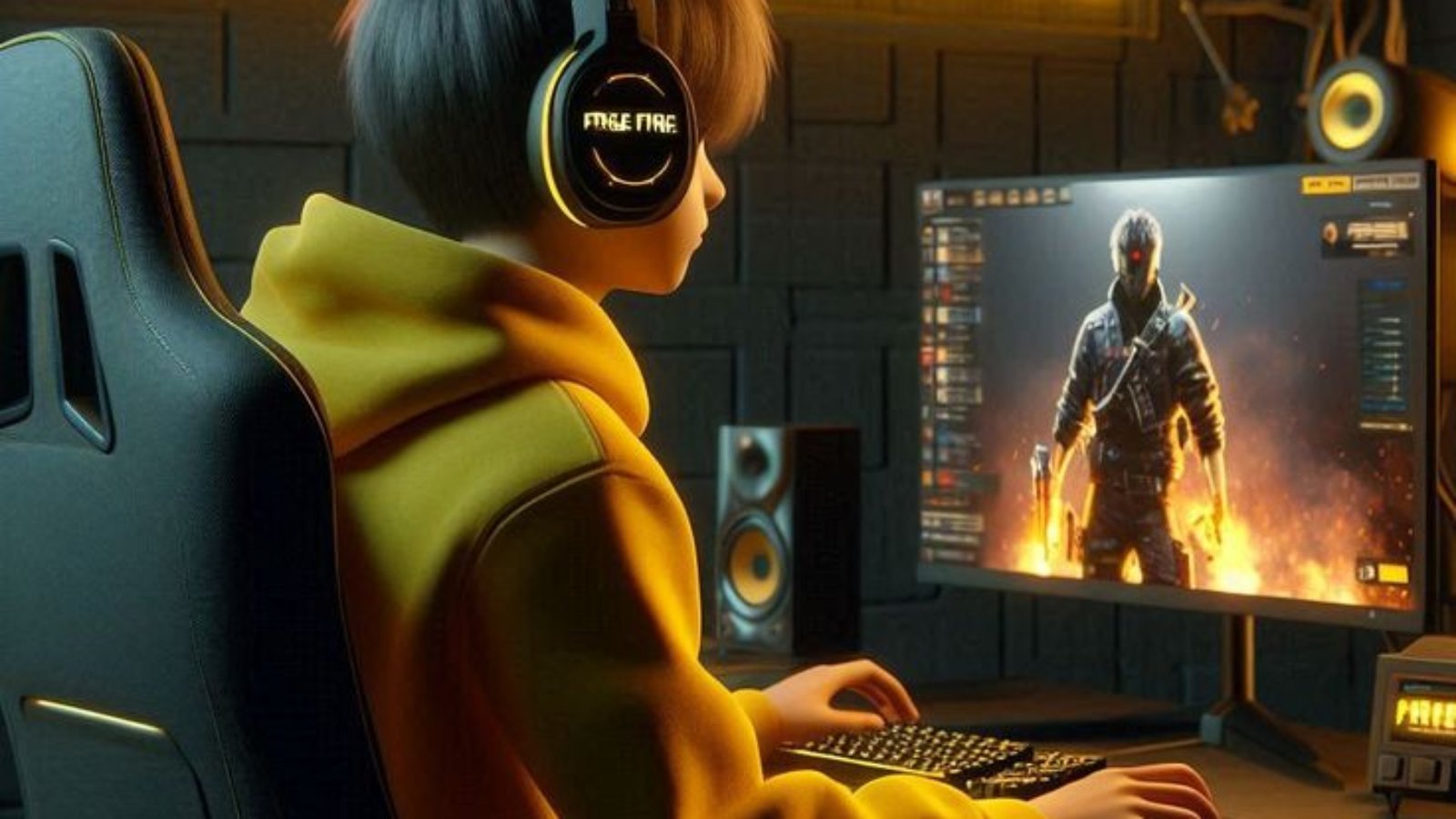
Why Latency in Game Art Pipelines Matters
The game art pipeline is at the heart of game development, serving as a critical infrastructure that can make or break a project’s success. It governs the creation of all visual assets, from initial design concepts to integration into the final game. These pipelines involve multiple teams, including modelers, texture artists, animators, game designers, and developers, all collaborating to ensure alignment with the overall vision.
However, this intricate process is susceptible to delays, or latency, due to misunderstandings, inefficient workflows, and technical problems. Such latency can lead to missed deadlines and increased costs. Optimizing the game art pipeline is not merely about speeding up production but about fostering an efficient, error-free collaborative environment that ensures high-quality game assets are delivered on time and within budget.

Comprehensive Strategies for Reducing Collaboration Latency
1. Establish Clear Communication Channels
- Project Management Platforms: Tools like Jira and Trello track tasks and enhance collaboration by providing real-time project visibility.
- Instant Messaging Solutions: Platforms like Slack and Microsoft Teams facilitate rapid exchanges, decision-making, and issue resolution.
- Scheduled Sync Meetings: Regular meetings should focus on strategic alignment rather than simple status updates.
- Implementing Feedback Loops: A structured review and approval process helps minimize misunderstandings and back-and-forth revisions.
2. Utilize Version Control Systems (VCS)
- Intelligent Branching and Merging: Use dedicated branches for experimental features, integrating changes only when stable.
- Comprehensive Change Tracking: Maintain a log of asset revisions for easy reversion in case of errors.
- Cross-Team Synchronization: Prevent accidental overwriting of files and ensure alignment across departments.
- Conflict Resolution: Utilize built-in VCS tools to merge asset versions efficiently.
3. Adopt Digital Asset Management (DAM) Systems
- Intelligent Metadata Architecture and Tagging: Categorize assets effectively for quick retrieval.
- Automated Version Control: Integrate DAM with VCS to track asset versions seamlessly.
- Centralized, Secure Access: Establish a single source of truth for all teams.
4. Automate Repetitive Tasks
- AI-Powered Asset Generation: Use AI tools for generating initial asset drafts.
- Continuous Integration Pipelines: Automate testing and deployment processes.
- Intelligent Workflow Optimization: Utilize data-driven tools to identify bottlenecks.
- Testing Automation: Implement frameworks like Jenkins for proactive bug identification.
5. Leverage Real-Time Game Art Collaboration Tools
- Cloud-Based Design Platforms: Tools like Google Workspace and Helix Core enable simultaneous editing and feedback.
- Virtual Design Spaces: Augmented and virtual reality tools facilitate immersive collaboration.
- Performance-Optimized Collaboration Tools: Platforms like Figma and Miro streamline design workflows.
6. Implement Agile Methodologies
- Scrum and Kanban: Break large projects into smaller, manageable tasks.
- Retrospectives: Regularly review past successes and failures to improve processes.
- Incremental Development: Minimize last-minute redesigns by iteratively refining assets.
Best Practices for Game Art Pipelines
Establish a Structured Pipeline:
- Pre-Production: Develop style guides and concept art.
- Production: Create 3D models, textures, and animations with clear timelines.
- Post-Production: Optimize, polish, and test assets for final integration.
Implement Robust Asset Management:
- Consistent File Organization: Maintain a logical folder structure.
- Version Control: Use Git or Perforce to prevent overwriting.
Prioritize Collaboration and Communication:
- Regular Stand-ups: Synchronize efforts and resolve roadblocks.
- Real-time Communication Tools: Keep everyone informed and aligned.
Leverage Automation:
- Scripted Asset Processing: Automate tedious tasks like asset exports.
- Continuous Integration: Implement stability checks for new assets.

Conclusion
Reducing latency in game art pipelines is not just about working faster but working smarter. By streamlining communication, adopting version control, utilizing asset management systems, automating repetitive tasks, leveraging collaboration tools, and implementing agile methodologies, game development teams can create a more efficient, cost-effective, and high-quality production process.
More from the blog
The Evolution of 3D Art and Animation: Unlocking New Possibilities with Sarvotam Solutions
Want these insights on your build?
The engineers writing these articles are the ones who would work on your game.